
SOS app: must the contact install it? My Safe Circle explained
Yes. To join your Circle and receive My Safe Circle alerts, the contact must install the app, create their own account and accept your invitation. A saved phone number or email address is not enough: the app does not automatically send SOS by SMS or email and does not place calls.
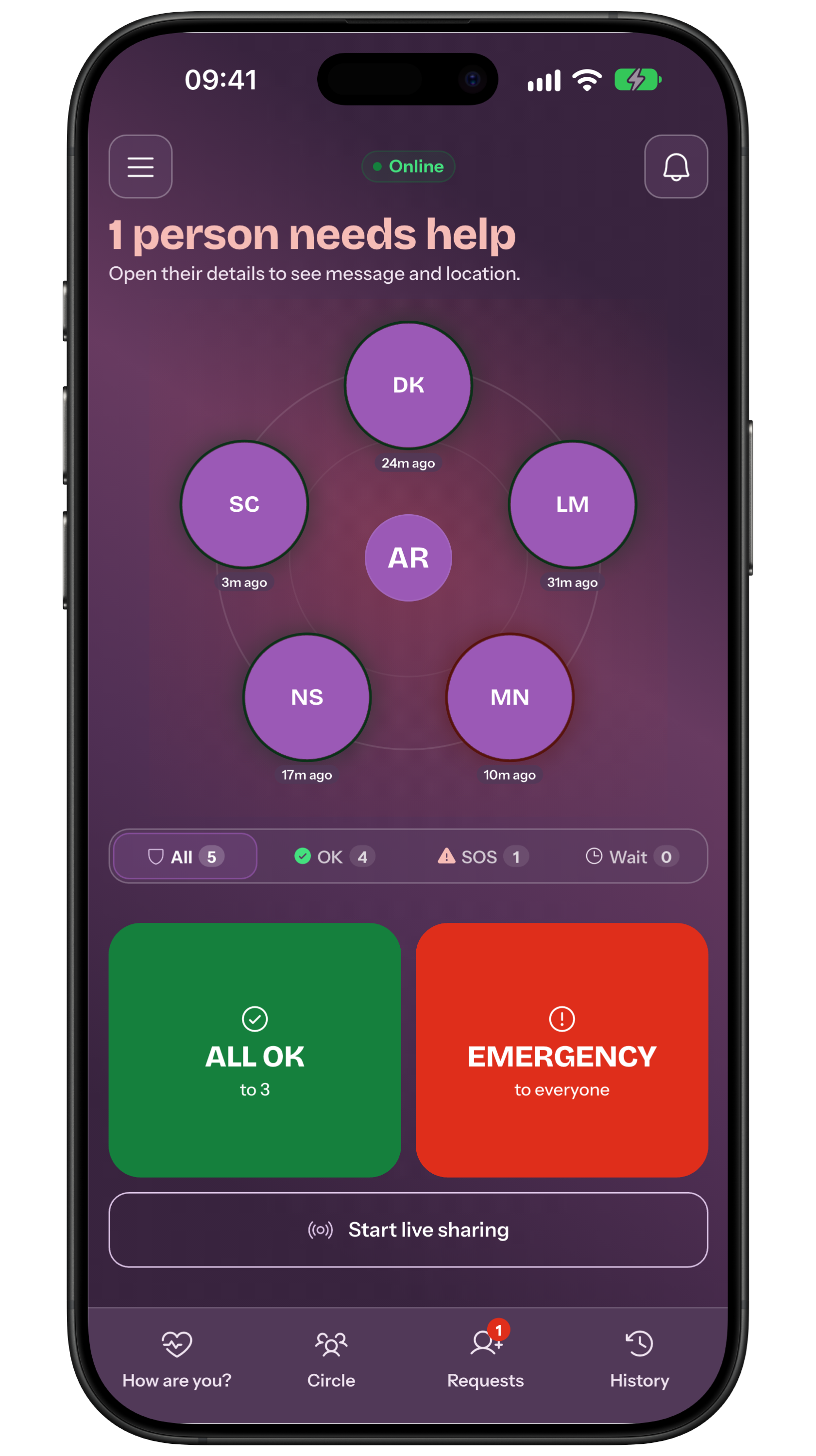
The short answer: the app is required
The operational recipient is an approved Circle contact. They need access to My Safe Circle on their phone and enabled notifications. A pending invitation is not an active contact.
What is not sent automatically
My Safe Circle does not turn the address book into an SMS list, send emergency email or call a contact for you. Calls, texts and email can be separate backup channels, but people must prepare and use them.
Set it up in six steps
- Installation: The contact installs the app.
- Account: They create and verify access.
- Invitation: You send a Circle invitation.
- Acceptance: They accept it.
- Settings: Both check notifications, network and battery.
- Agreed test: Run an announced All OK test, not a real SOS.
What the contact sees
An SOS can include a message and a single location when you choose them. The recipient sees the sender and shared information in the app. A notification never guarantees reading, understanding, availability or action.
Agree before an emergency
Decide who calls back first, who is the backup and when local services are contacted. Keep phone numbers outside the app too. Repeat the check after a new phone or notification change.
If someone will not install it
Respect that choice and do not treat them as an app recipient. They may remain a call or text backup, while the Circle contains people willing to install, accept and test My Safe Circle.
Frequently asked questions
Can I add only a phone number?
No. An approved contact needs the app, an account and an accepted invitation.
Is SOS also sent by SMS or email?
Not automatically. Those are separate external channels.
Does My Safe Circle call the contact or emergency services?
No. It coordinates your Circle; call local emergency services directly when danger is immediate.
Is this true for every SOS app?
No. Each service chooses its recipient channels and requirements; always check how contacts are reached.
Sources consulted
Technical and safety information was checked against the following official sources.
Guide by the My Safe Circle team based on the app manual, checked on 13 September 2026.
PREPARE THE RECIPIENT
Explore My Safe Circle
Explore the features and try the Demo before setting up your circle.
Explore My Safe CircleMy Safe Circle helps contact trusted people. It is not an emergency dispatch centre and cannot guarantee delivery, reading or intervention.