
How to read your circle in the new My Safe Circle Home
The 2.3 Home in development brings circle updates and main actions together. Separate what a person said, when they said it and what you can choose now. The summary does not measure anyone’s safety in real time.
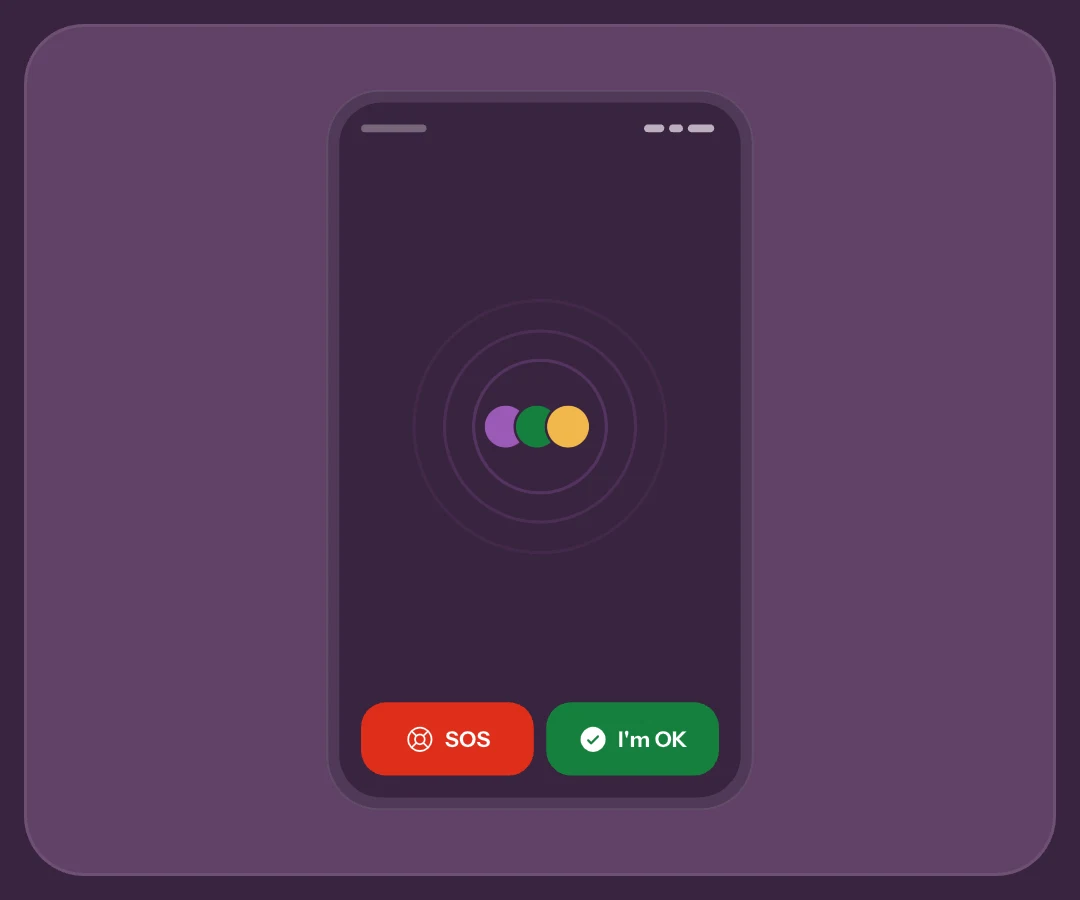
A recent OK is a message, not monitoring
Picture one contact sending All OK three hours ago and another sending SOS minutes ago. Age gives those signals different context. An old OK does not become a current update because its avatar remains in the circle.
Home’s safe count considers OK signals from the last 24 hours recent. It is not automatic health monitoring: a phone may be away from its owner and a signal may arrive late. If the information is insufficient, call or follow your agreed plan.
Filters change the view, not recipients
All, OK, SOS and Waiting help read different groups. Selecting SOS highlights that group; it does not choose who receives your next SOS. A pending invitation is not an approved contact.
Your next sending audience is separate
Review the action’s actual selection before sending. All OK and SOS have separate rules. The recipient guide explains individuals, the whole circle and groups. A visual filter helps orientation, not sharing permissions.
Open a person to read context
Tap an approved contact for latest status, age and optional message. View location appears when that status includes one. Do not mistake an older point for a current position: check origin, time and accuracy.
With Premium, prepare How are you? with that person selected. Tapping an avatar alone does not send the request; follow confirmation. Open in My Circle leads to contact management. Pending contacts offer different information and controls.
Choose the next step before tapping
Below the circle are ALL OK, EMERGENCY, live location and shortcuts. Check recipient count and included location on All OK. Without approved contacts, main actions are blocked: first build a circle that has accepted invitations.
Exploring and testing are two steps
Demo helps find controls without real sends. Network and notification checks require an agreed test with a real person. Recheck permissions and linking after updates or a new phone; a new design does not configure everything for you.
Frequently asked questions
Does the SOS filter change emergency recipients?
No. It changes which people you see. Sending recipients remain a separate choice, checked during the countdown or in the relevant settings.
Does Everyone safe guarantee nobody needs help?
No. It summarises available signals and freshness, not diagnosis or continuous verification. Agree when to confirm using another channel.
Can a pending invitation receive my signals?
A pending invitation is not an approved contact. Wait for acceptance and check the circle before configuring sends. Main actions stay blocked without approved contacts.
Sources consulted
Technical and safety information was checked against the following official sources.
Guide by the My Safe Circle team, written from the app manual and checked on October 9, 2026 against the listed sources.
READ PEOPLE, NOT JUST COLOURS
Learn to read your circle
Explore controls and agree how to respond to updates.
Explore My Safe CircleMy Safe Circle helps contact trusted people. It is not an emergency dispatch centre and cannot guarantee delivery, reading or intervention. For immediate danger, call your local emergency number.