
My Safe Circle 2.3 preview: new Home, sending and maps
This page describes the 2.3 code and What’s New catalog in development. It does not announce a store release: the iPhone version checked on 8 October is 2.2.0. Original app illustrations explain how the everyday journey changes.
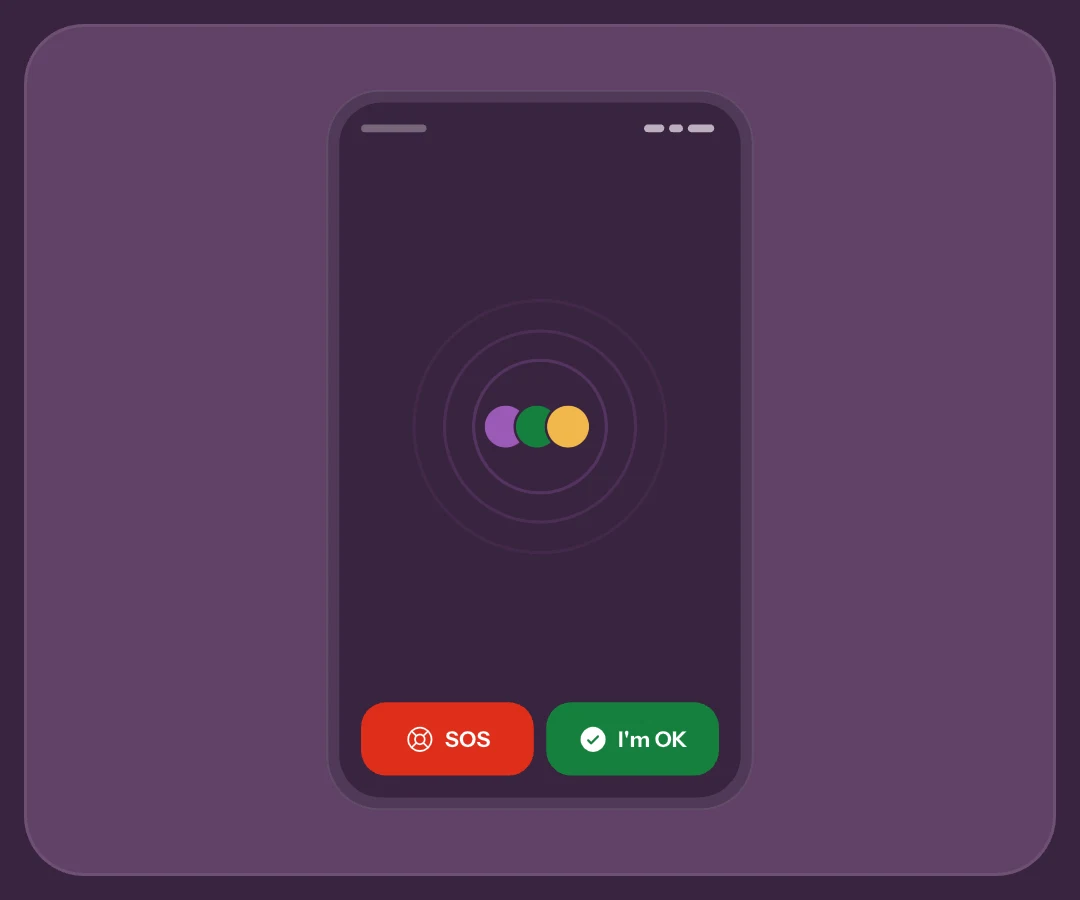
The new Home starts with people
Your circle becomes the Home’s centre: a headline summarises updates, filters distinguish OK, SOS and waiting, and each person shows signal age. Colour intensity helps indicate freshness; it does not certify anyone’s health.
Tap a person to open status, optional message and available actions. View shared location or prepare How are you? with that person selected, with Premium. Pending invitations differ from approved contacts. The new Home guide explains the view.
Four themes, the same signals
In Settings → Preferences, choose Parallax, Bubble, Calm Safety, Nord. Backgrounds and accents change; green still identifies OK and red identifies SOS. Text, icons and signal age remain necessary to understand the status.
If your previous theme was removed, the app switches to Parallax and keeps other preferences. Home reserves space for the actions; on smaller screens or with many contacts, the circle can become a grid or scrolling list. The time-based greeting remains in the profile drawer.
Review choices during the countdown
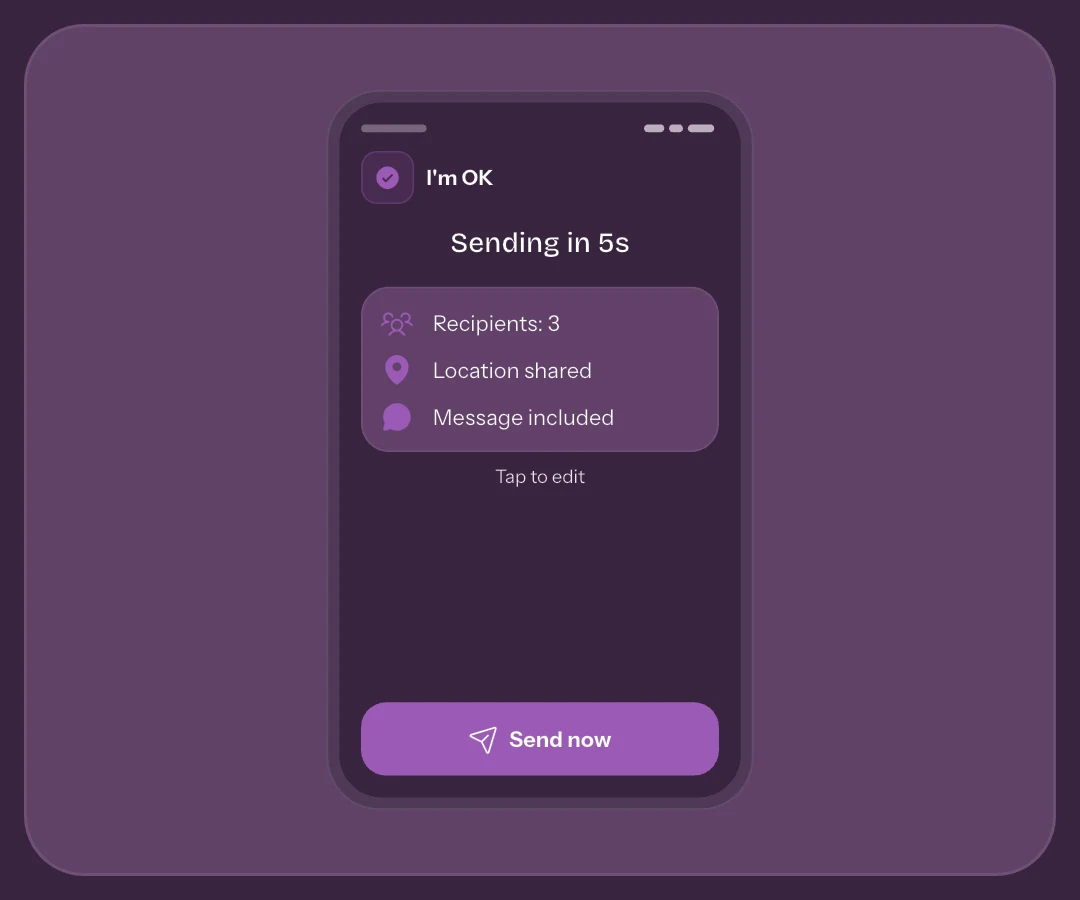
ALL OK and EMERGENCY open the countdown. Recipients, location and message are there before sending. Opening an option pauses the flow; Send now is then required, even if you leave the app meanwhile. The pause does not expire while you read.
In the 2.3 preview, only SOS adds “Share live location” during the countdown. Touching the control or choosing a duration pauses the timer; then send now or cancel. The choice carries over to the receipt and remains editable. Confirmation opens live setup: review recipients and permissions and confirm Start. The switch alone does not start GPS or sharing.
“Send current location” attaches one fix captured when sending; it is not live sharing. The separate live control appears only in real SOS, not the guided Demo flow. A simulation starts no GPS session and confirms no delivery.
Which choices stay saved
Confirmed All OK recipients can become the next selection; changing SOS recipients applies only to that send. A message is not remembered, and cancellation does not save new choices. Leaving while the countdown runs cancels the attempt. The confirmation guide separates these cases.
Maps add distance and readable details
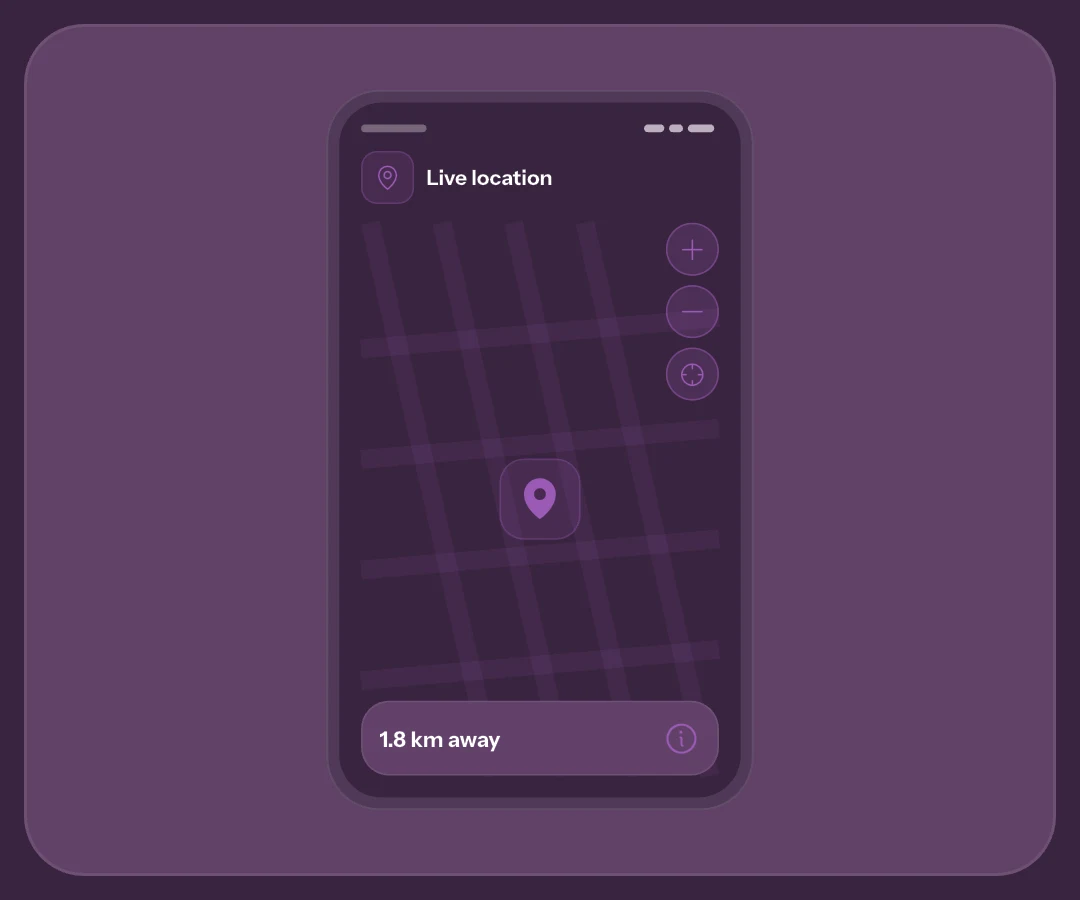
Maps add recentering, zoom and capture details. The circle represents approximate accuracy; capture time helps distinguish an old location from a recent one. Distance is straight-line, not a road route or arrival time.
Distance calculated on your device
Distance is calculated on your device without sending or storing it on the server. Without permission, choose Show distance; opening the map alone does not automatically request access. The distance and accuracy guide explains interpretation.
Control live sharing outside the app
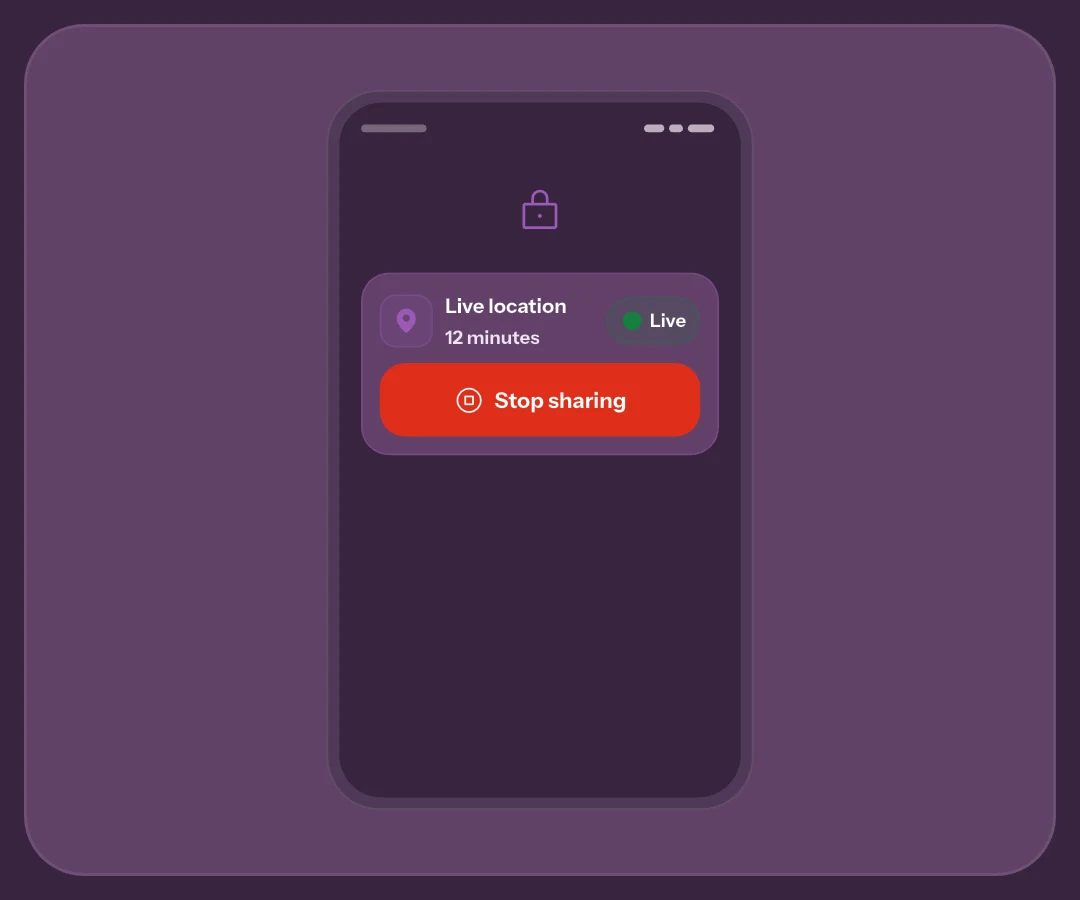
Android’s persistent notification shows remaining time and Stop. On iPhone with iOS 17 or later, Live Activity provides controls on the Lock Screen and Dynamic Island where supported. External controls do not remove network, battery or permission limitations.
Stopping halts phone GPS; offline, ending for everyone still needs server confirmation. It is not retention withdrawal. The outside-app guide explains what to check. The wider redesign also refreshes dialogs, profile, authentication and routines while retaining their purposes.
Frequently asked questions
Is this interface already in the store?
This is a preview of the 2.3 code. Check installed version and the store’s updates: artwork on the website does not establish publication.
Does the new design change the free plan?
It makes no new price or limit promise. Check plan and version: described Free live sessions run up to 15 minutes with 60 minutes between starts; Premium offers longer durations.
Does the new interface automatically enable retention?
No. Reading updates or a notice does not grant consent. Retention remains separate from sending and device permissions.
Sources consulted
Technical and safety information was checked against the following official sources.
Guide by the My Safe Circle team, written from the app manual and checked on October 10, 2026 against the listed sources.
VERSION 2.3 PREVIEW
Learn the journey before you need it
Read current guides and check the version available on your phone.
Explore My Safe CircleMy Safe Circle helps contact trusted people. It is not an emergency dispatch centre and cannot guarantee delivery, reading or intervention. For immediate danger, call your local emergency number.