
Try the new Demo without sending SOS to real contacts
Demo introduces the app without creating an account or sending signals to real people. In the 2.3 code it uses the new Home components and a simulated send flow. It helps orientation and choices, not proof that SOS will reach another phone.
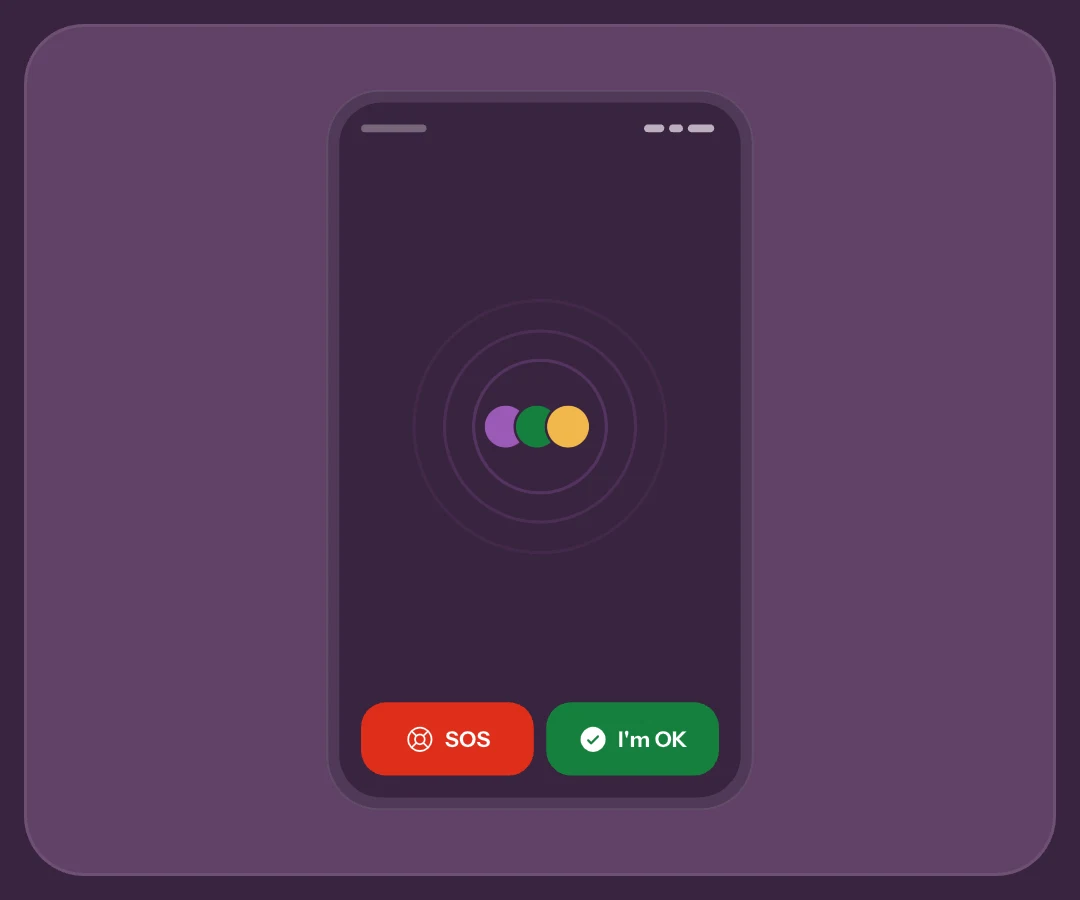
Enter Demo and recognise the context
Before registration, enter from the welcome screen. If you already have an account, open Help & Feedback → Try the DEMO: the preview uses fictional contacts and data in a separate scope without signing out or changing account preferences. Leaving the preview returns you to the real app.
If your released app still has the older design, this 2.3 material remains a preview. Check the store version. No registration does not mean no technical services or complete offline operation; the app notice describes active tools.
Practise the countdown without rushing
Tap All OK and watch the countdown. Cancel before it finishes, then repeat by opening recipients, location or message. In the new flow, opening an option pauses it; the simulated send waits for Send now. This distinguishes cancelling, pausing and sending.
Check data before the final tap
Do not practise only the final tap. Find who will receive the signal and what data it includes. Simulation lets you ask those questions without alarming anyone. The countdown guide explains the real flow.
Explore requests and receipts without mistaking simulation for proof
Demo shows How are you?, reminders, notifications and receipts with demonstration data. Learn where responses appear and how to read technical status; the outcome is not a delivery test to your contact’s phone.
Actions requiring a real account, live session or system setup may be blocked or explained. An illustrated option does not prove permission is granted. The Home guide and 2.3 preview connect the screens.
“Send current location” attaches one fix captured when sending; it is not live sharing. The separate live control appears only in real SOS, not the guided Demo flow. A simulation starts no GPS session and confirms no delivery.
Move to real testing after agreement
Once familiar, create an account and invite someone trusted. Wait for approval, check notifications on both devices and agree on an All OK test. Explain the result you are checking and when to call if uncertain.
What only real testing verifies
Real testing covers what Demo cannot verify: connectivity, permissions, the invited person’s setup and notification service. The announced-test protocol prevents practice from looking like a plea for help. For actual danger, use emergency services rather than waiting for simulation.
Frequently asked questions
Do Demo people really receive my SOS?
No. The flow uses fictional people and results, without SOS to real contacts. Simulated success is not evidence of real delivery.
Can Demo test every permission?
It is for exploration, not every system setting or a real live session. Blocked features explain the required step; check permissions in your real-account journey.
Why test for real after a successful Demo?
Simulation teaches the journey. An agreed test on real phones checks linking, setup and notification-service results; even that does not automatically prove reading or help.
Can I open Demo when I already have an account?
Before registration, enter from the welcome screen. If you already have an account, open Help & Feedback → Try the DEMO: the preview uses fictional contacts and data in a separate scope without signing out or changing account preferences. Leaving the preview returns you to the real app.
Sources consulted
Technical and safety information was checked against the following official sources.
Guide by the My Safe Circle team, written from the app manual and checked on October 10, 2026 against the listed sources.
LEARN BEFORE INVOLVING SOMEONE
Explore calmly, then agree on testing
Learn choices before involving contacts and check connectivity separately.
Explore My Safe CircleMy Safe Circle helps contact trusted people. It is not an emergency dispatch centre and cannot guarantee delivery, reading or intervention. For immediate danger, call your local emergency number.