
Control and stop live sharing without reopening the app
The 2.3 code in development adds live-sharing controls outside the app. Start a voluntary session with chosen recipients and duration first. These surfaces represent an existing session; they do not authorise new sharing by themselves.
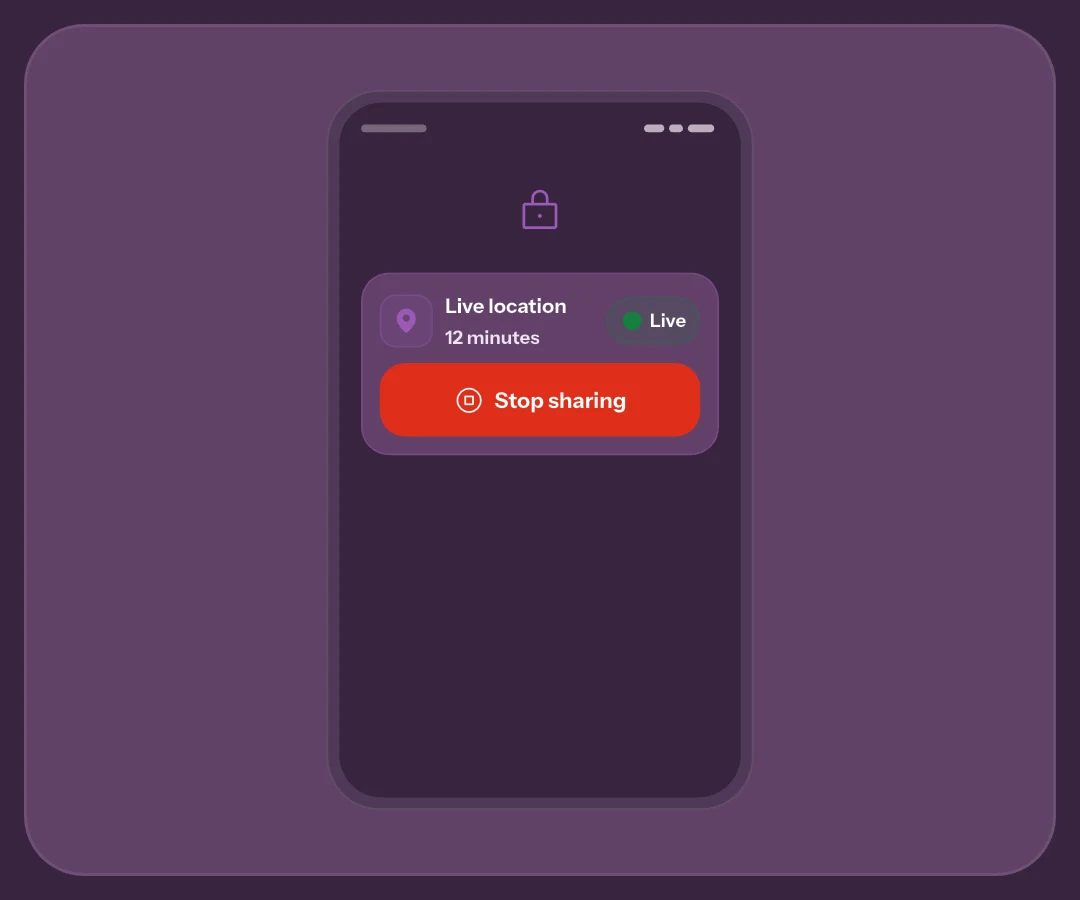
Android’s persistent session notification
The persistent notification shows remaining time and Stop. Tap it to open session details. Unlike a received SOS, it concerns your active sharing service and remains a reference while using other apps.
If you cannot find the expected session, check its state and originating device in the app. Do not change permissions blindly to hide an icon. Battery, system restrictions and connectivity can affect updates; a visible notification does not prove fresh GPS readings.
iPhone Live Activity and Dynamic Island
On iPhone with iOS 17 or later, Live Activity shows remaining time, progress and Stop on the Lock Screen. Dynamic Island provides another surface on supported models. Not every iPhone offers the same space or controls.
Earlier systems may require in-app control. Check the installed version’s options; Live Activity does not guarantee continuous background GPS. Agree on an arrival message too, rather than treating a widget as a monitoring service.
Stopping on the phone and ending for everyone
Stop halts device GPS updates even offline. An offline action is not yet server confirmation that the session has ended for everyone. When connectivity returns, check the outcome instead of assuming all operations finished.
Expiry and the originating device
Expiry is another cause of ending, not proof of arrival or assistance. Use your agreed contact channel for confirmation. The multiple-device guide helps when an account is used on different phones.
Stop does not withdraw retention
The shortcut stops sharing; it does not automatically delete retained latest data. Account consent and notification copies are separate issues. Use the app’s privacy controls for withdrawal and wait for server confirmation.
Prepare the control journey
The withdrawal guide explains what can remain. Demo helps prepare the journey, but native controls for real sharing do not verify simulated delivery. See the 2.3 preview for context.
Frequently asked questions
Does tapping the notification start a session?
The active session notification opens its details. New sharing needs an app choice and confirmation; do not infer it from the icon.
Does offline Stop instantly end it for contacts?
Local GPS stops, but ending for everyone remains unconfirmed until the server receives the request. Check after reconnecting.
Does a visible timer prove a fresh location?
No. Remaining duration and capture age are different. Open session details for latest update and network or permission notices.
Sources consulted
Technical and safety information was checked against the following official sources.
Guide by the My Safe Circle team, written from the app manual and checked on October 9, 2026 against the listed sources.
KEEP THE SESSION IN VIEW
Keep control of sharing
Prepare duration, recipients and a backup channel before sharing.
Explore My Safe CircleMy Safe Circle helps contact trusted people. It is not an emergency dispatch centre and cannot guarantee delivery, reading or intervention. For immediate danger, call your local emergency number.