
Changing phones: restore your Circle and verify alerts
Install My Safe Circle on the new phone and sign in to the same account: your Circle is associated with the My Safe Circle account. Then verify everything that depends on the device. Do not assume local Event History transferred, and do not delete the old account merely to change phones.
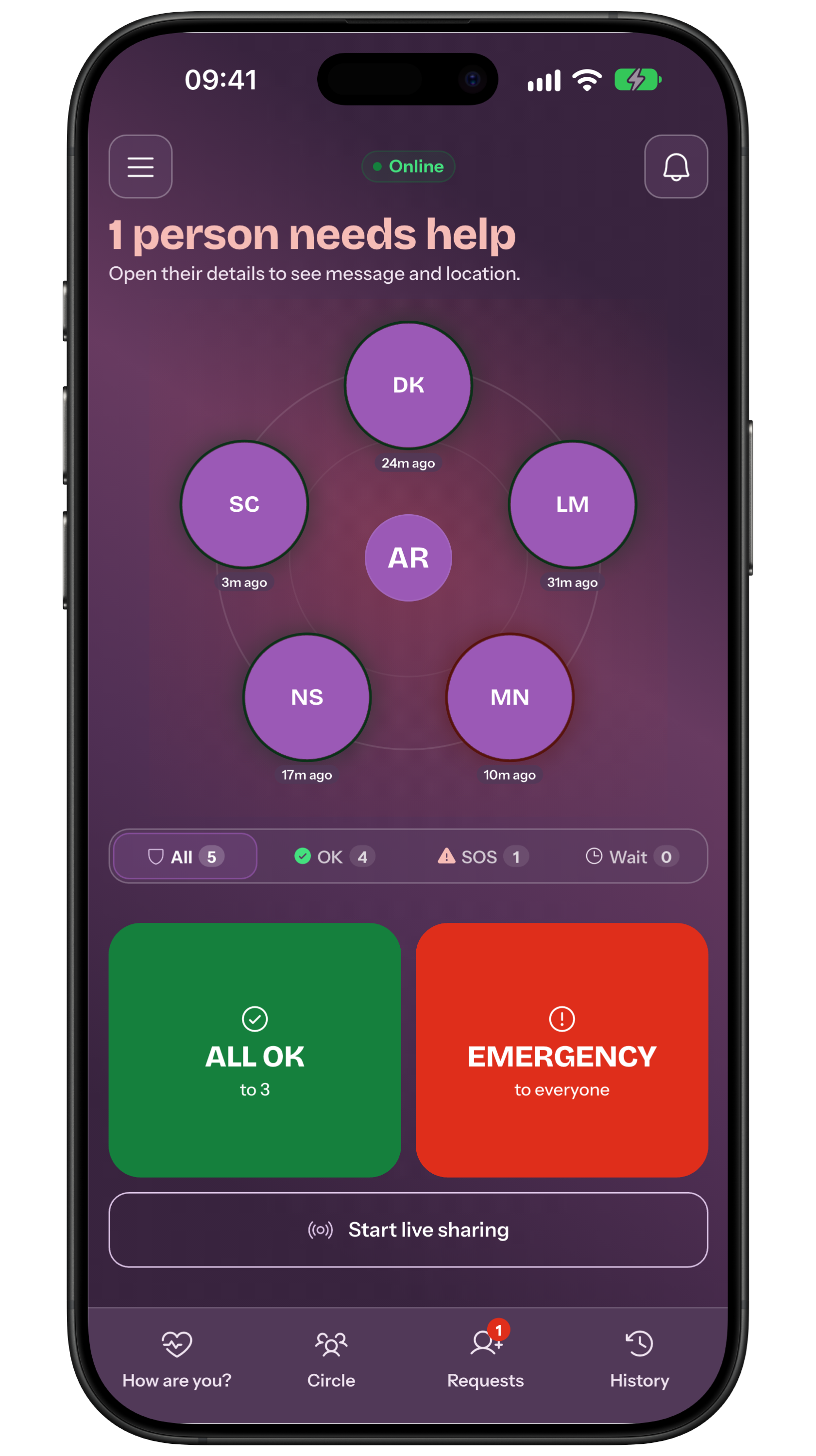
Before the move
Confirm your email, sign-in method and password; recover access before losing the old phone when necessary. Note Circle names and SOS recipients without exporting sensitive details to an unsafe place.
Use the same account
Install from the official store and sign in to the same account rather than creating another. Allow online synchronisation and inspect Circle, invitations and profile. If something is missing, verify identity and connection before rebuilding.
Recheck device settings
Grant notifications on the new device and inspect sounds, Focus or Do Not Disturb, battery and background work. Choose location permission again only if you want to attach it to individual actions.
Inspect recipients and Reminders
Open the Circle, SOS recipients, groups and Reminders. Read actual names and approval states; a visible screen alone does not establish that alerts can reach the new phone.
Premium and history
If you bought Premium, use Restore purchases with the original store and the same store account. The manual does not promise local Event History transfer between phones, so treat it as unverified.
Moving between iPhone and Android does not change the My Safe Circle account, but it changes stores. Manage renewal in the original purchase store and do not assume direct cross-store restoration; verify Premium before buying again or contact support.
Test before relying on it
Send an announced All OK to an available contact, watch the receipt and ask what they receive. Then have them send you an agreed signal to test inbound alerts. Do not use a real SOS for setup test.
Frequently asked questions
Should I create a new account?
No. Sign in to the same account to retrieve its Circle; a new account is a different identity.
Does Event History move to the new phone?
A guaranteed transfer is not documented. Do not make the safety plan depend on it.
Should I delete the old account?
No. Account deletion is permanent and different from signing out.
Sources consulted
Technical and safety information was checked against the following official sources.
- My Safe Circle: manual
- Apple: notification settings
- Apple: restore purchases
- Android: notification settings
Setup guide by the My Safe Circle team, checked on 13 September 2026 against the manual and official Apple and Android guidance.
RESTORE AND VERIFY
Explore My Safe Circle
Explore the features and try the Demo before setting up your circle.
Explore My Safe CircleMy Safe Circle helps contact trusted people. It is not an emergency dispatch centre and cannot guarantee delivery, reading or intervention.