
Android notifications not arriving: what to check
A safety alert depends on several phone settings. Check notification permission, notification channel, Do Not Disturb, battery and data on the real device: manufacturer, model and version can change names and behaviour.
Where to start when an alert is missing
Open Settings > Notifications > App notifications and find My Safe Circle; some phones use Apps > My Safe Circle > Notifications. Check permission and individual categories where available. Names vary by manufacturer and version; use settings search when the route differs.
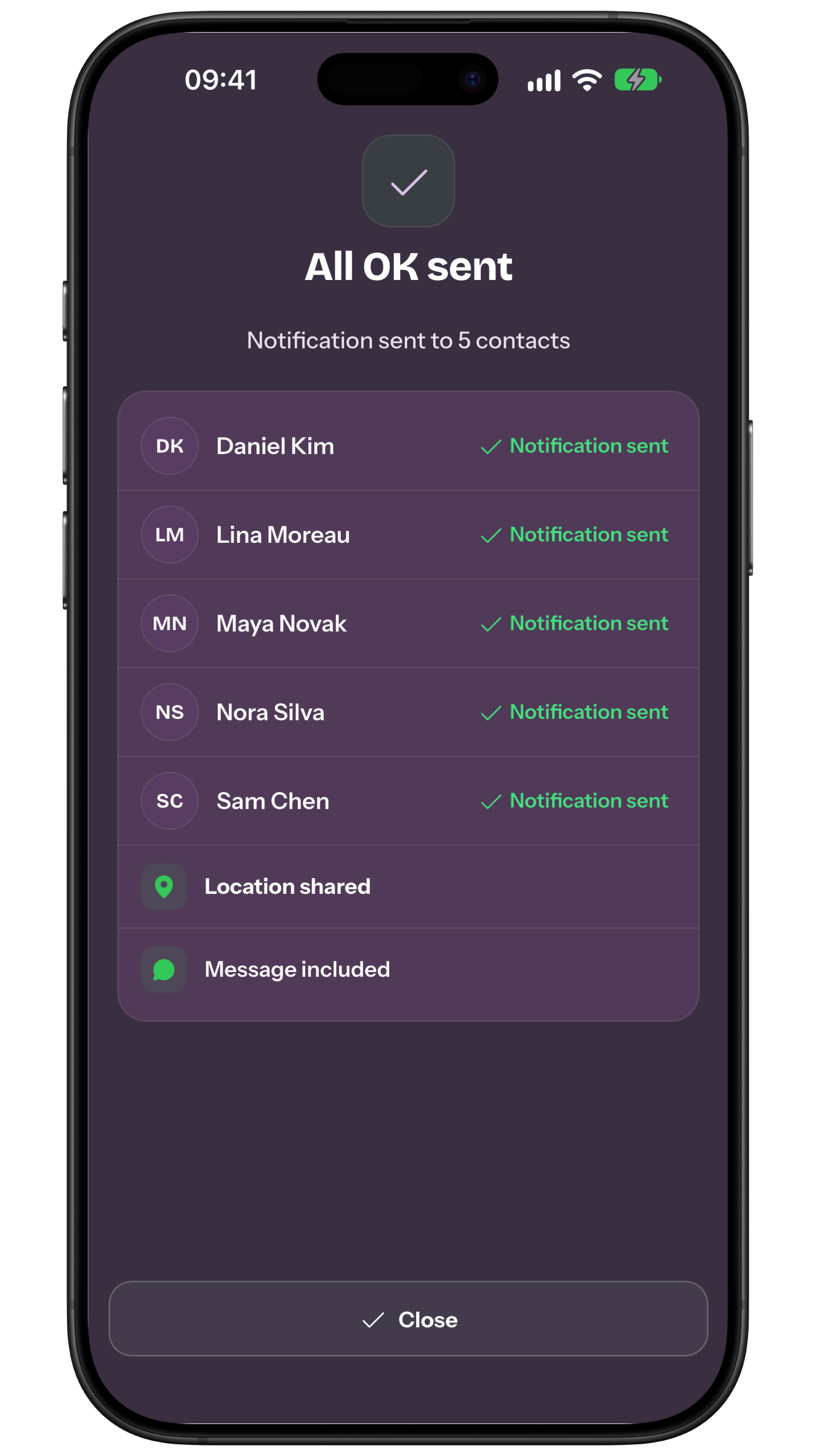
Separate three cases: the sender sees pending delivery; the recipient sees the update in Inbox but no banner; or a banner appears without sound. For pending delivery inspect the sender’s network and receipt. Otherwise inspect recipient settings, Do Not Disturb, volume and battery or data restrictions. The picture is an app receipt, not Android settings. Practise an agreed All OK while changing one setting at a time.
Manufacturer, model and version change the path
Record the manufacturer, model, Android release and app version. Google’s menu names can be changed by the device maker, so work on the phone that will actually receive the alerts.
Check permission, categories and channels together
Recent Android releases let the user allow or deny an app’s notifications. Categories or channels may have different sound, visibility and importance settings; inspect those the app has actually created rather than assuming one master switch.
Do Not Disturb decides which interruptions pass
Do Not Disturb can filter sounds and interruptions according to modes, people, apps and configured exceptions. An exception available on one handset is not evidence that another offers or applies it in the same way.
Battery and background activity need a real test
Battery Saver, manufacturer optimisation and background state can affect observed timing. Avoid universal advice to disable safeguards: choose settings suitable for the person and test them again after updates.
| Check | Expected result | Possible obstacle | Next step |
|---|---|---|---|
| Permission | Allowed | Denied or requested | Open app settings |
| Channel | Important and visible | Muted or blocked | Check each category |
| Do Not Disturb | Agreed exception | Rule filters the alert | Check the active mode |
| Battery | Not restricted where appropriate | Aggressive optimisation | Check real behaviour |
| Data | Network available | Saver or no network | Prepare a call or SMS |
Mobile data and Wi-Fi belong to the path
A remote notification also needs working mobile data or Wi‑Fi. Data Saver, roaming, weak service and background-data access can change the result; keep a call or SMS route ready where coverage permits.
An announced rehearsal shows only a technical result
Run an announced test with sender and recipient, using a locked screen, normal volume and the mode used at night. Record what appears and sounds, while keeping alert, reading, understanding and ownership as separate outcomes.
- Do you know the manufacturer, model and version?
- Is notification permission enabled?
- Is each important channel visible and audible for the person?
- Have Do Not Disturb and battery saving been tested?
- Have data, network and a backup channel been checked?
- Was the rehearsal announced to every recipient?
My Safe Circle supports communication with trusted people. It is not an emergency service or medical device, does not automatically detect events, cannot guarantee delivery, reading or action, and does not replace local services.
Practical example: turn the plan into verifiable actions
A test shows the alert without sound: check notification category, volume and Do Not Disturb on the actual model. Describe the observable fact without interpreting health or intention.
Another alert may depend on battery, connectivity, app permission and manufacturer settings. Give the next step to one named person and name a backup.
Seeing the app in a list does not prove every notification type is enabled or audible. Write the expected outcome in words everyone understands consistently.
If the person and relative already check the app reliably, avoid random setting changes. If direct conversation solves the task, do not add another app.
When the tool is unnecessary and which backup to use
Do not disable optimisation or protection without understanding device behaviour and battery effects. Prepare calls, SMS, paper and an agreed in-person check where appropriate.
After Android updates or a new phone, repeat the announced test and record the correct path. Review consent, recipients, numbers and availability after every change.
If an alert is missed, use the agreed call or SMS; immediate danger should not wait for push. For immediate danger use the relevant local service without waiting for notifications.
- Example rehearsed?
- Owner named?
- Backup available?
- Data limited?
- Numbers current?
- Fallback agreed?
Frequently asked questions
If the app is open, will the alert always arrive?
No. App state, permissions, channels, system, network and power settings can matter.
Can I turn off every optimisation?
Not necessarily. Choose settings appropriate to the phone and person; names vary by manufacturer and version.
Does a notification prove someone read it?
No. At most it shows a local technical outcome; it does not prove reading, understanding or action.
Sources consulted
Technical and safety information was checked against the following official sources.
- Google Android: notifications
- Android Developers: notification channels
- Google Android: Do Not Disturb
- Google Android: battery
- Google Android: mobile data
- Google Android: permissions
- My Safe Circle: features and limits
Editorial guide from the My Safe Circle team, checked on 5 September 2026 solely against official Android and Google documentation. Menus and behaviour vary by maker, model and release, so local testing remains necessary.
TEST THE PATH
Check the phone people will actually use.
Agree a rehearsal and a backup plan.
Explore My Safe CircleMy Safe Circle supports communication with trusted people. It is not an emergency service or medical device, does not automatically detect events, cannot guarantee delivery, reading or action, and does not replace local services.